
Drawing course : Digital Painting
This course offers you the opportunity to discover the world of digital painting step by step. The courses gradually guide you from choosing your materials and understanding the main tools, to creating a complete full-color illustration. All courses come with exercises that allow you to learn at your own pace. Start this course to dive into the world of digital painting.
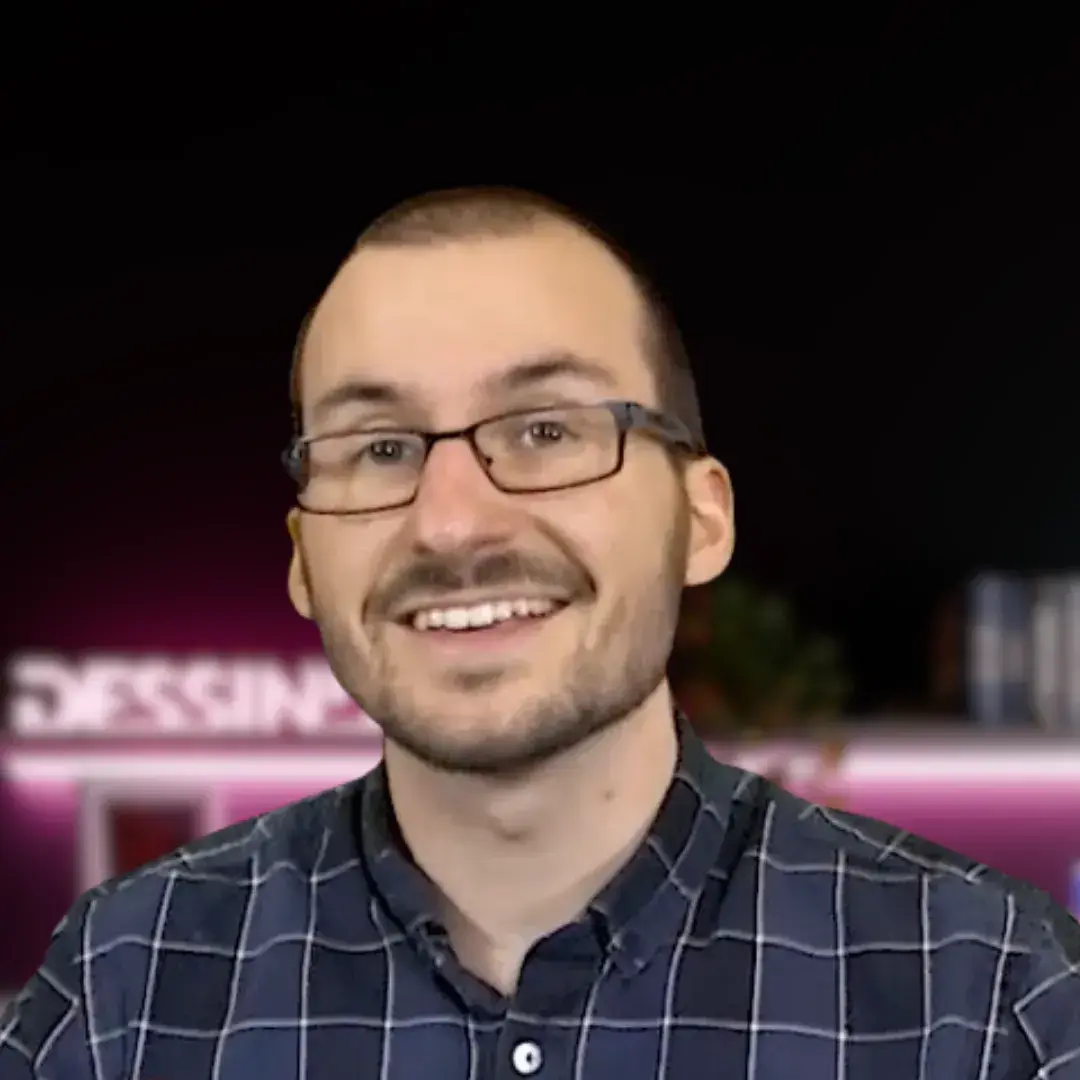
YOUR TEACHER: TEPPE MAXIME
Maxime Teppe is an illustrator who will guide you through the art of digital painting. An expert in digital drawing, he will offer you a unique experience with his imagination and creativity. You will learn all the techniques to create your first digital artwork.
How it works
Watch
Follow the videos at your own pace, wherever and whenever you like.
Practice
Do the exercises at your own pace, with your own materials.
Post optional
Want feedback? Share your work on the forum whenever you like.
Progress
A teacher from the team can help you improve, if that is what you are looking for. Otherwise, simply draw for fun.
The complete program
+10 h of lessons across 7 chapters, 42 videos and exercises.
 1
1
Introduction
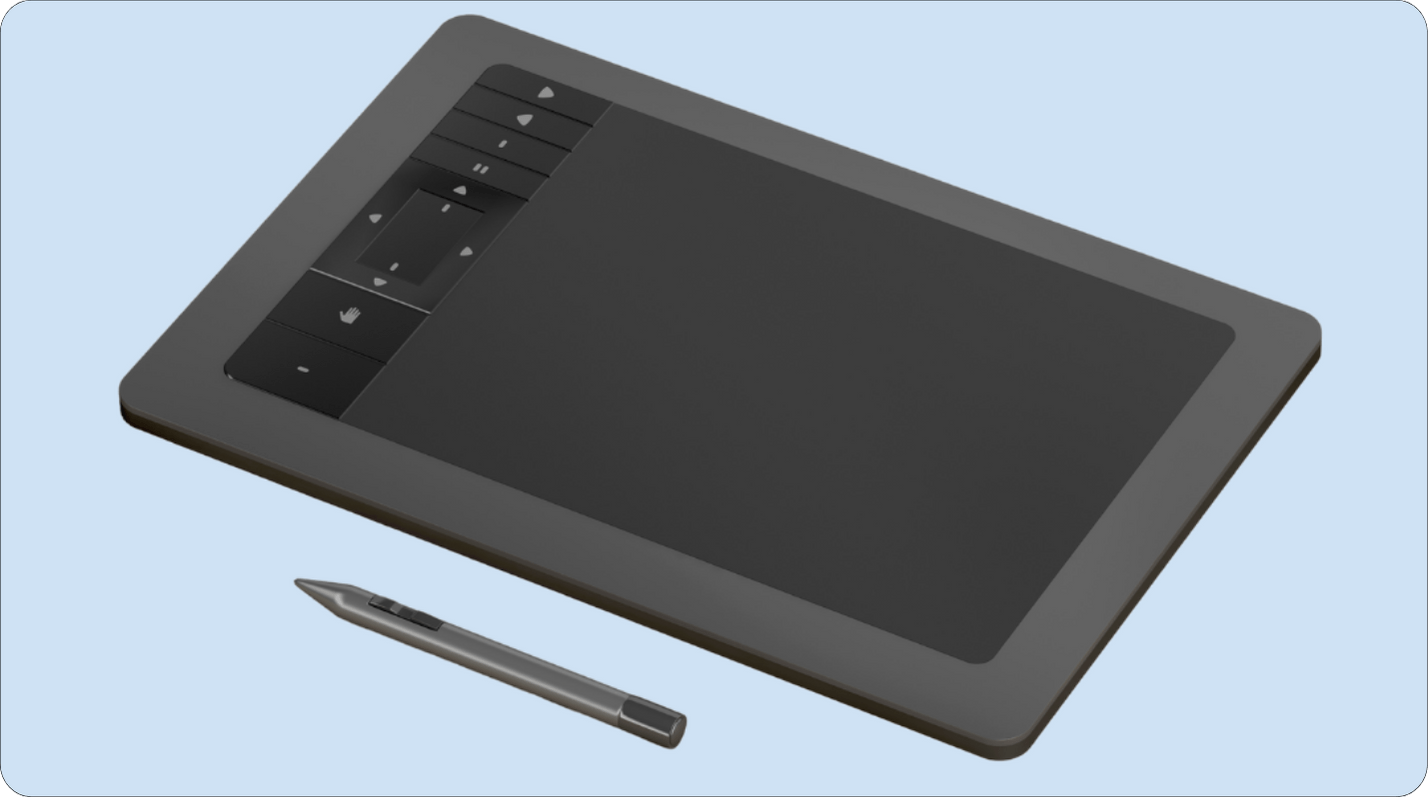
50 minBefore you dive into digital painting, we explain everything from A to Z: the different software, the necessary equipment, the interface, and the various tools. This guide is essential for your first steps to understand how digital painting works.
 2
2
Getting Started in Digital Drawing
1h06In this chapter, you will discover the basics of digital painting by learning various techniques, such as perspective and sketching. You will also learn how to compose your illustrations with numerous tips and tricks.
 3
3
Understanding Color
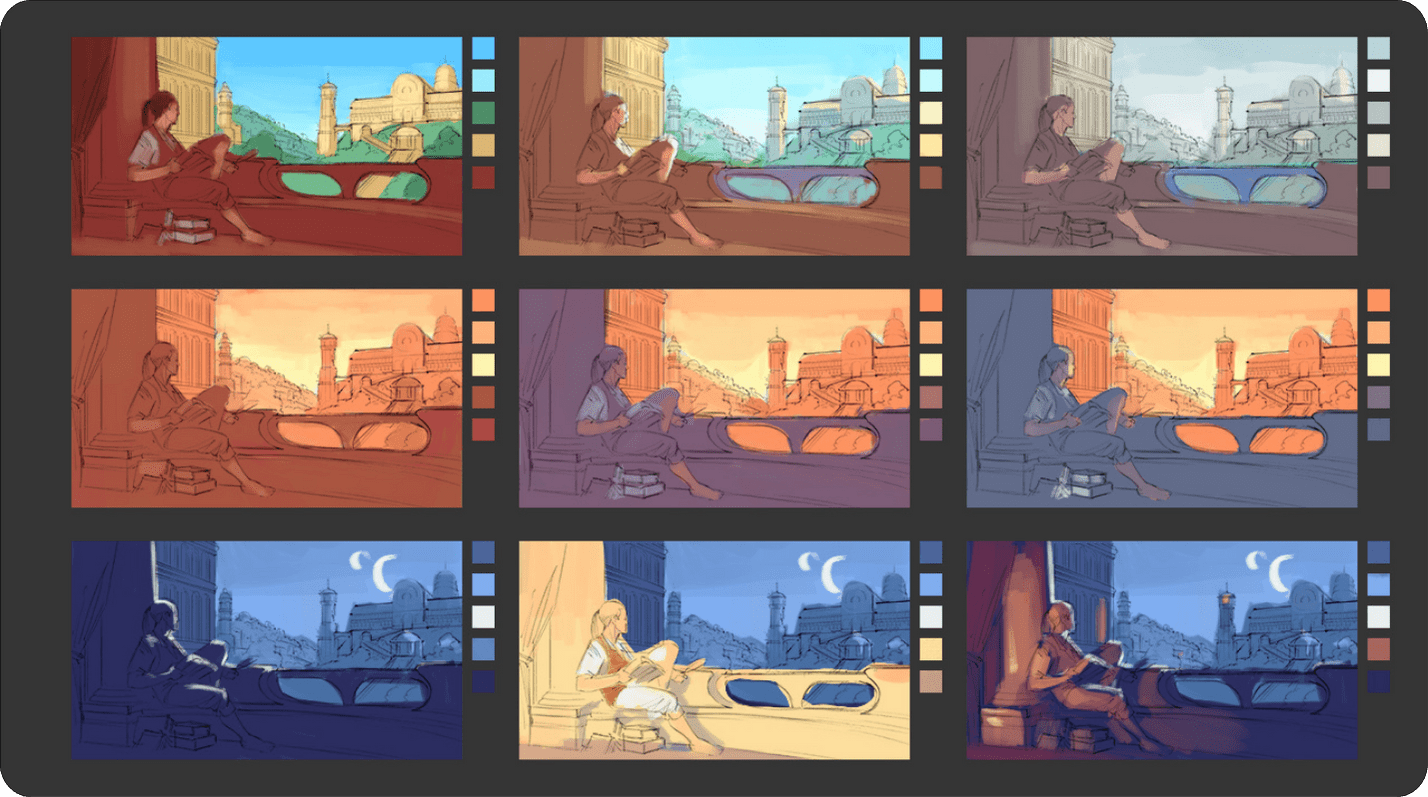

1h56We are now focusing on color in digital painting: how to compose with color and perform color grading of your illustrations. You will tackle various exercises in the courses to perfect your learning.
 4
4
Techniques and Concepts
2h32We delve into the heart of the matter with several essential techniques in digital painting. Learn how to draw shadows, lights, and contrasts. Then, discover how to integrate photographs, and how to depict materials. All these exercises will help you improve your illustrations!
 5
5
Create Your First Characters
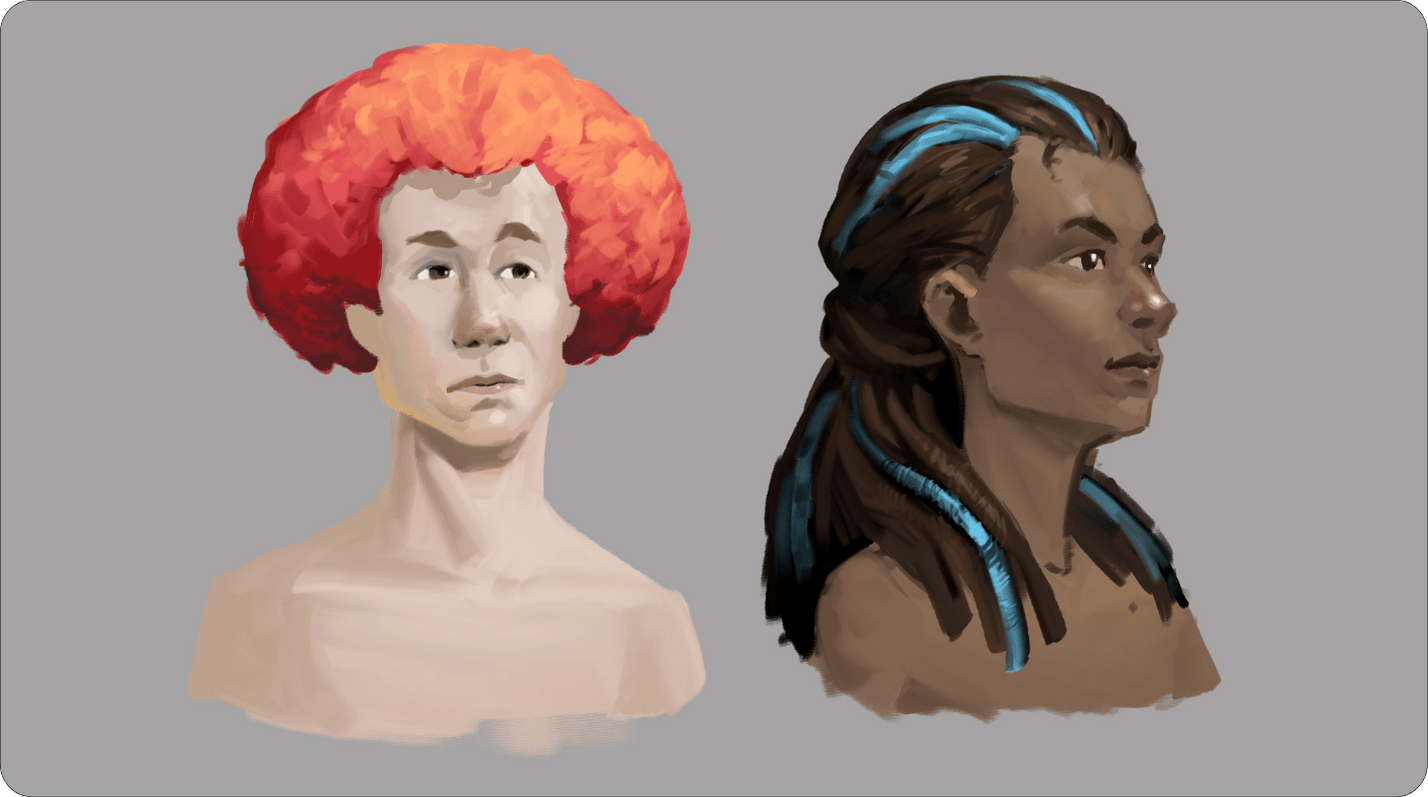
2h09Are you interested in character creation? That is precisely the topic of this chapter. You will learn to master the volumes of the face, limbs, and torso. Additionally, you will also create customized characters by learning to draw skin, hair, and clothing.
 6
6
Settings and Emotions

44 minIn this chapter on digital painting, learn how to create custom backgrounds in your illustrations. Discover techniques and tips to enhance your settings and make your works unique!
 7
7
Conclusion
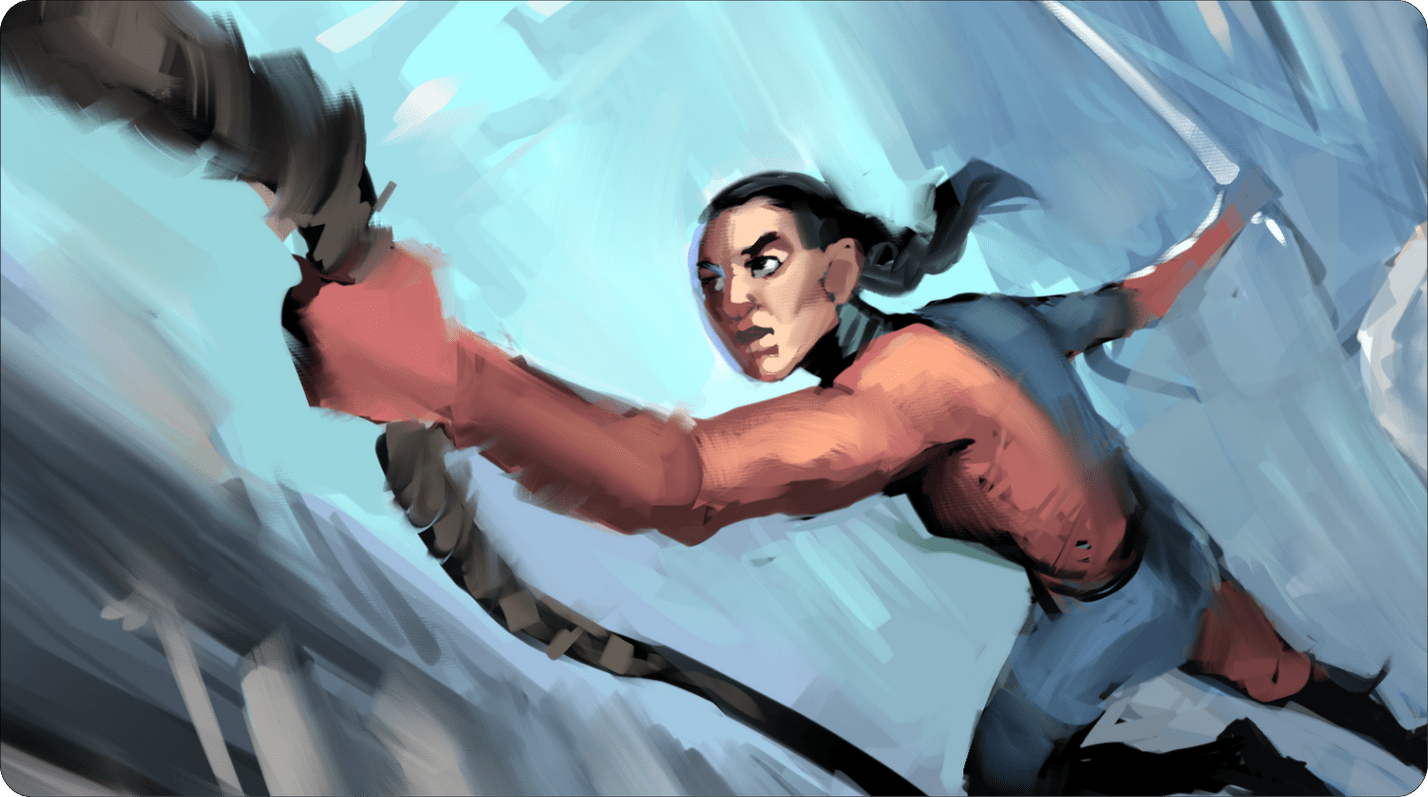
48 minTo conclude this chapter, we will review all the knowledge you have learned during the courses. We will offer you one last illustration to apply all the techniques acquired throughout your training.
What you will learn in this course
Master the Tools Specific to Digital Painting (Hardware and Software)
Build on the foundations of traditional drawing and learn to give volume and play with shadows and lights
Embrace color to create evocative illustrations, and unleash your imagination
Reviewed by your teacher
If you wish, a teacher looks at your drawings and answers your questions on the forum.
What our students created with this course
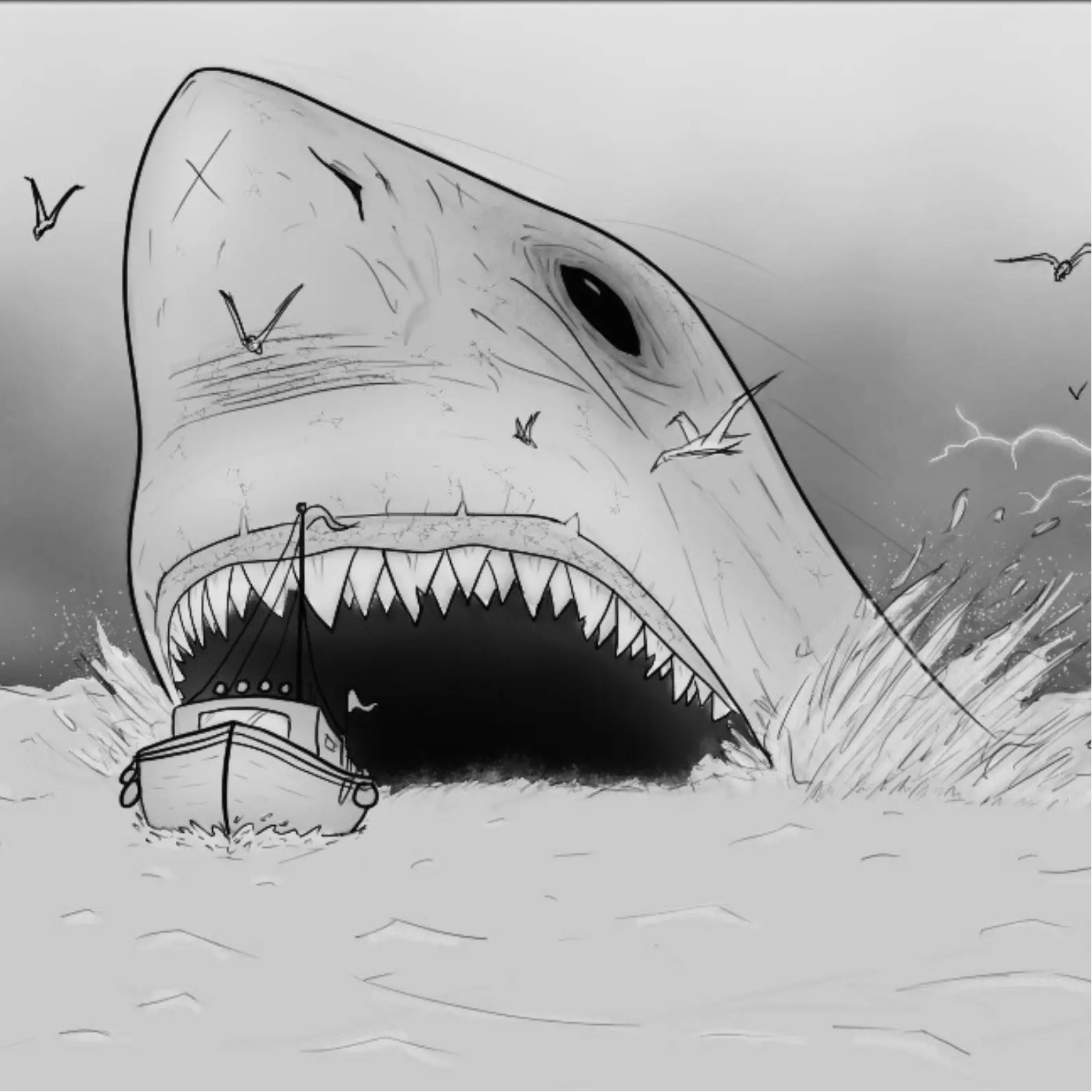
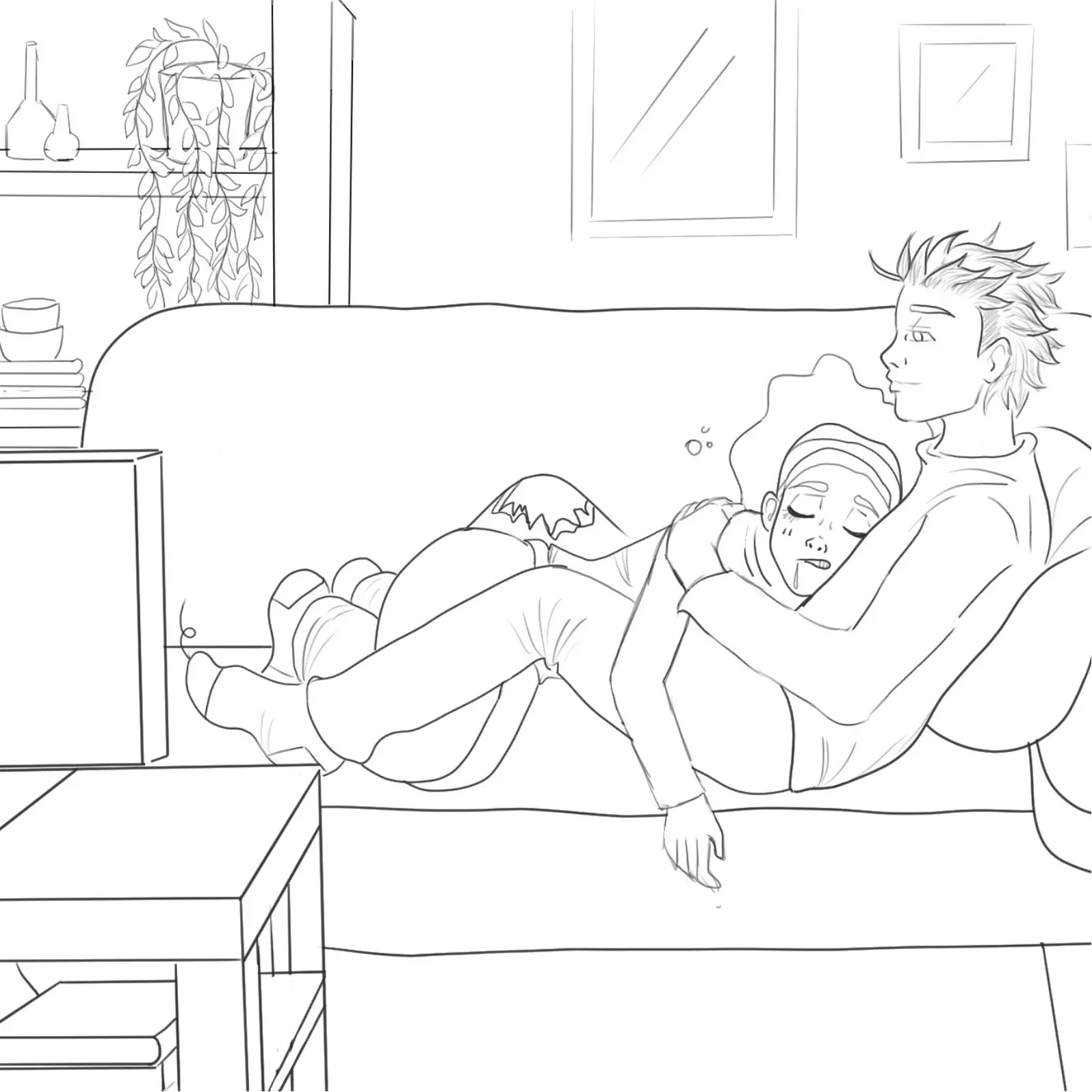
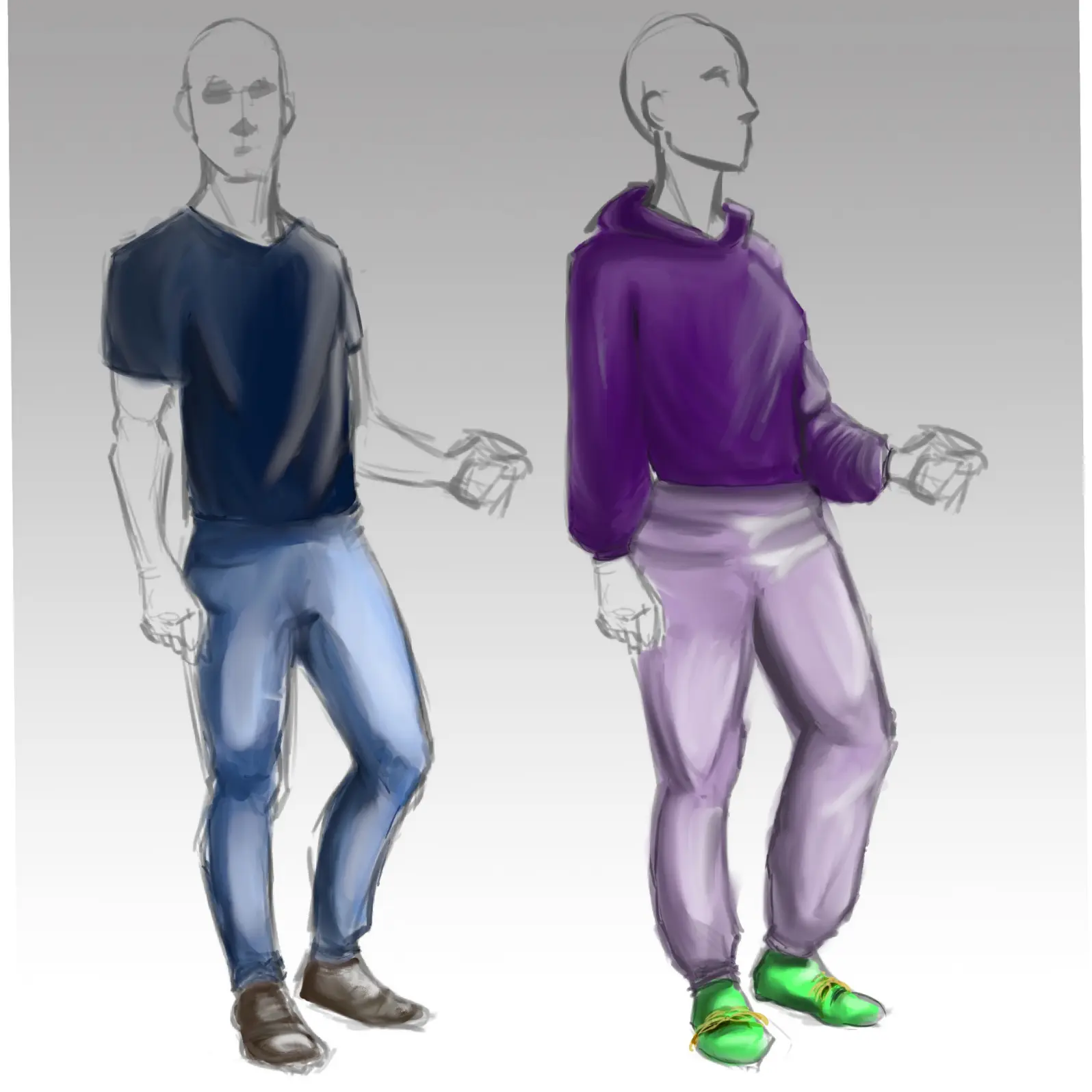
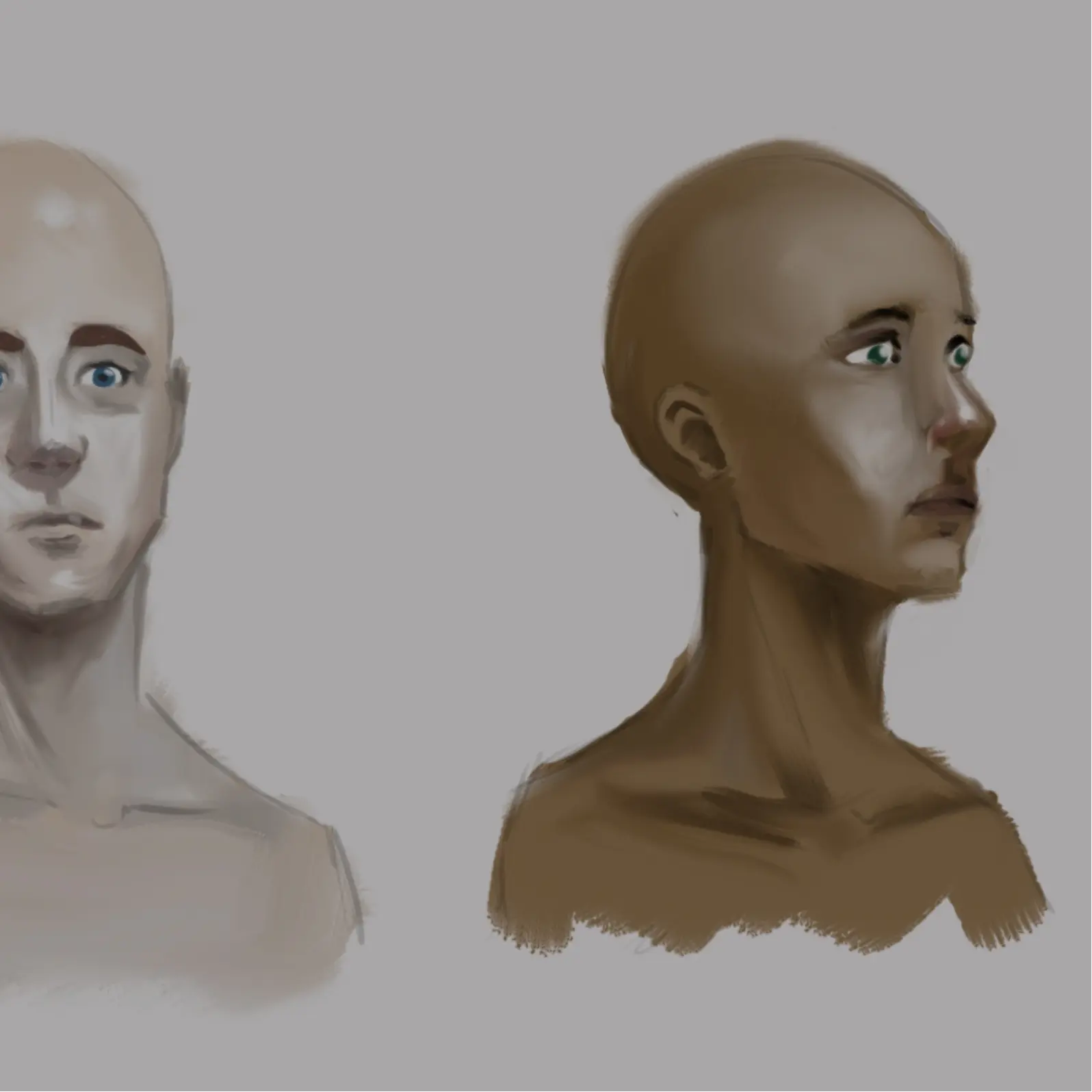
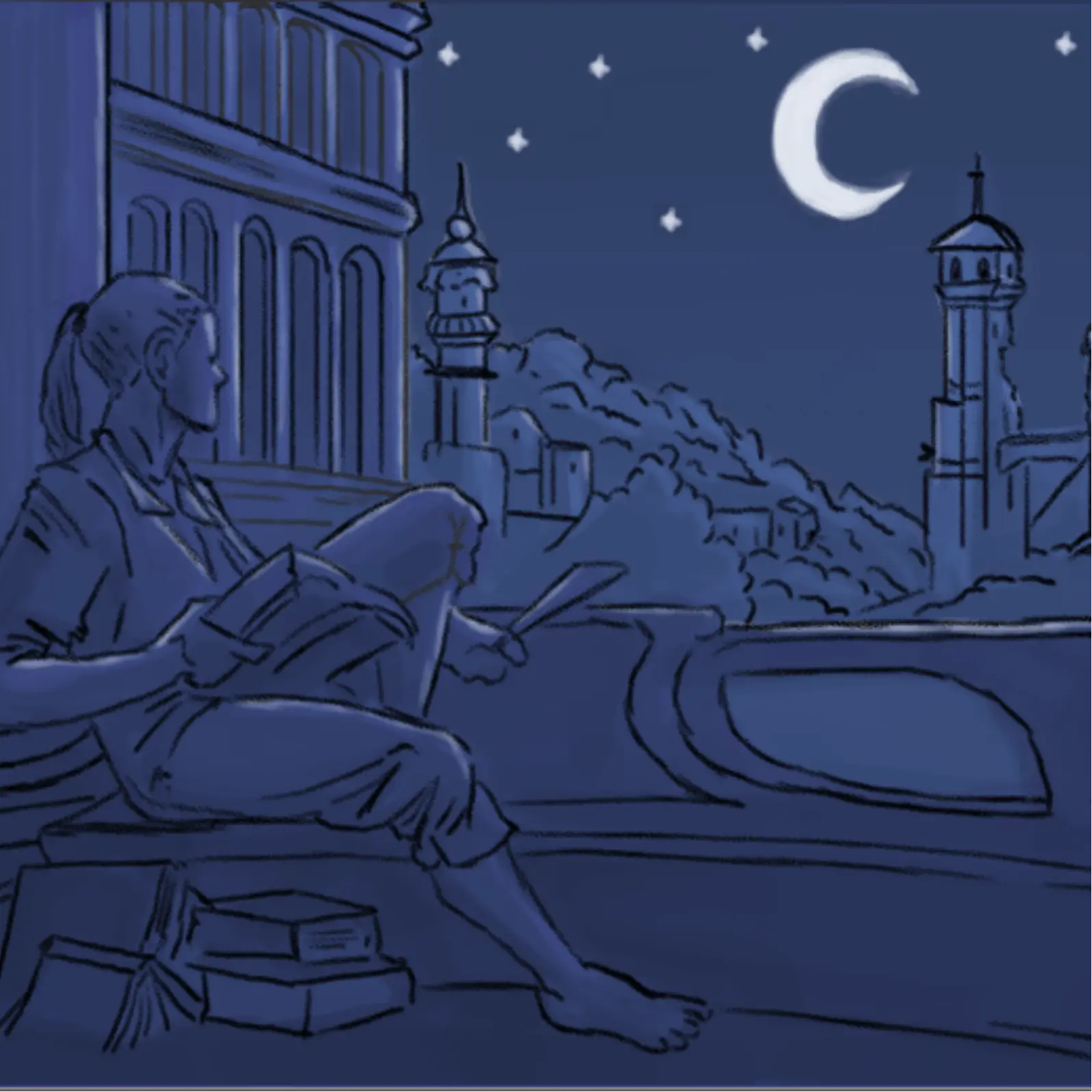
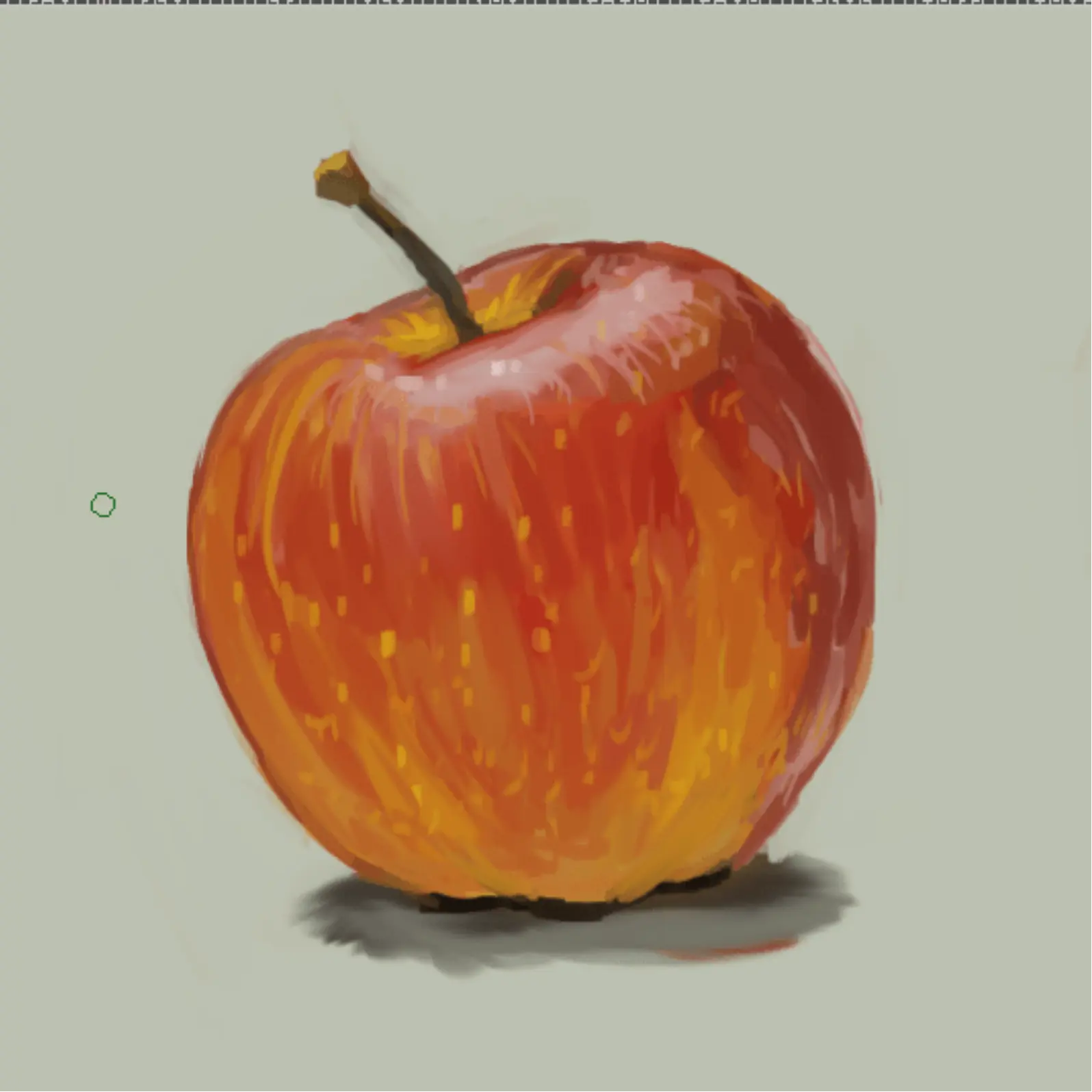
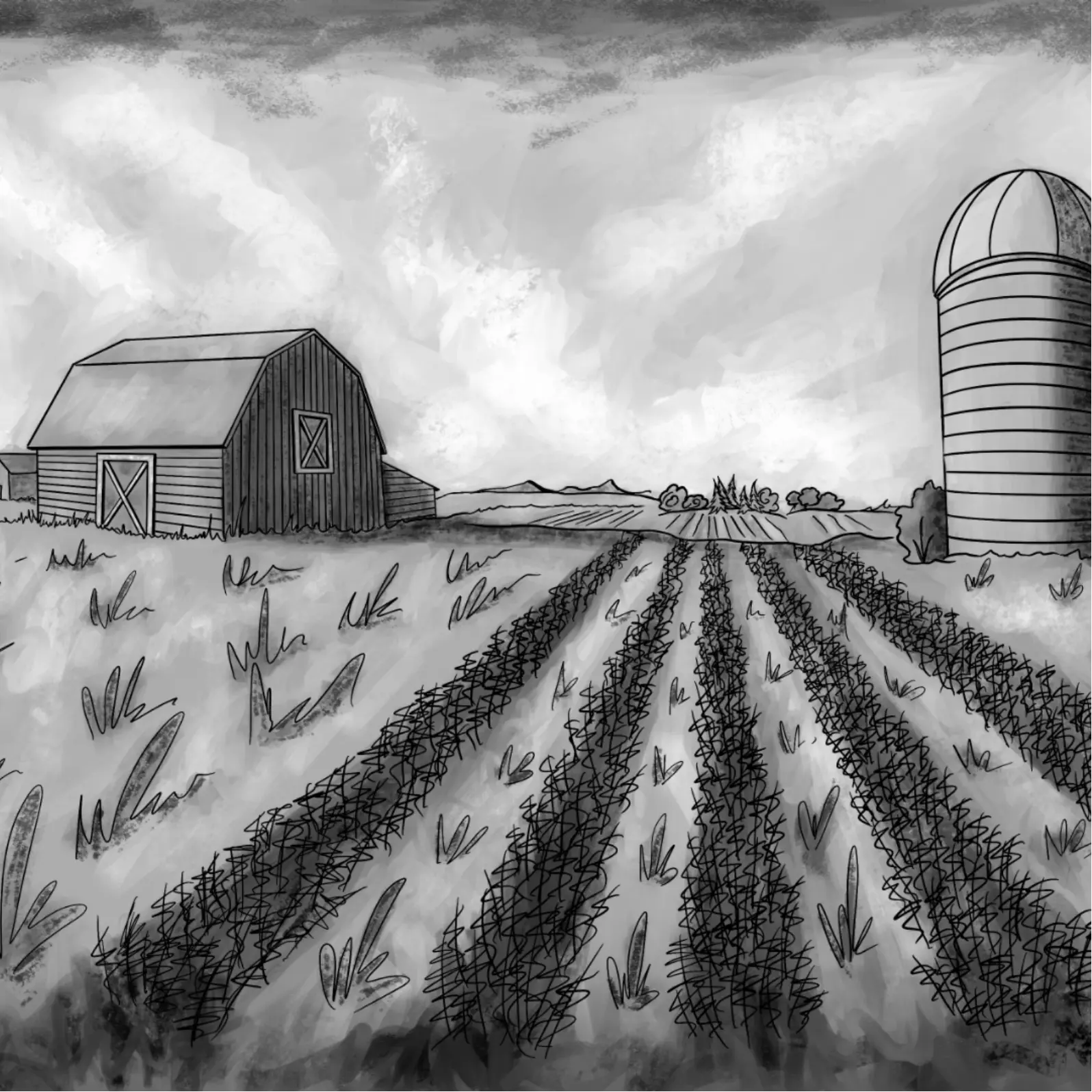
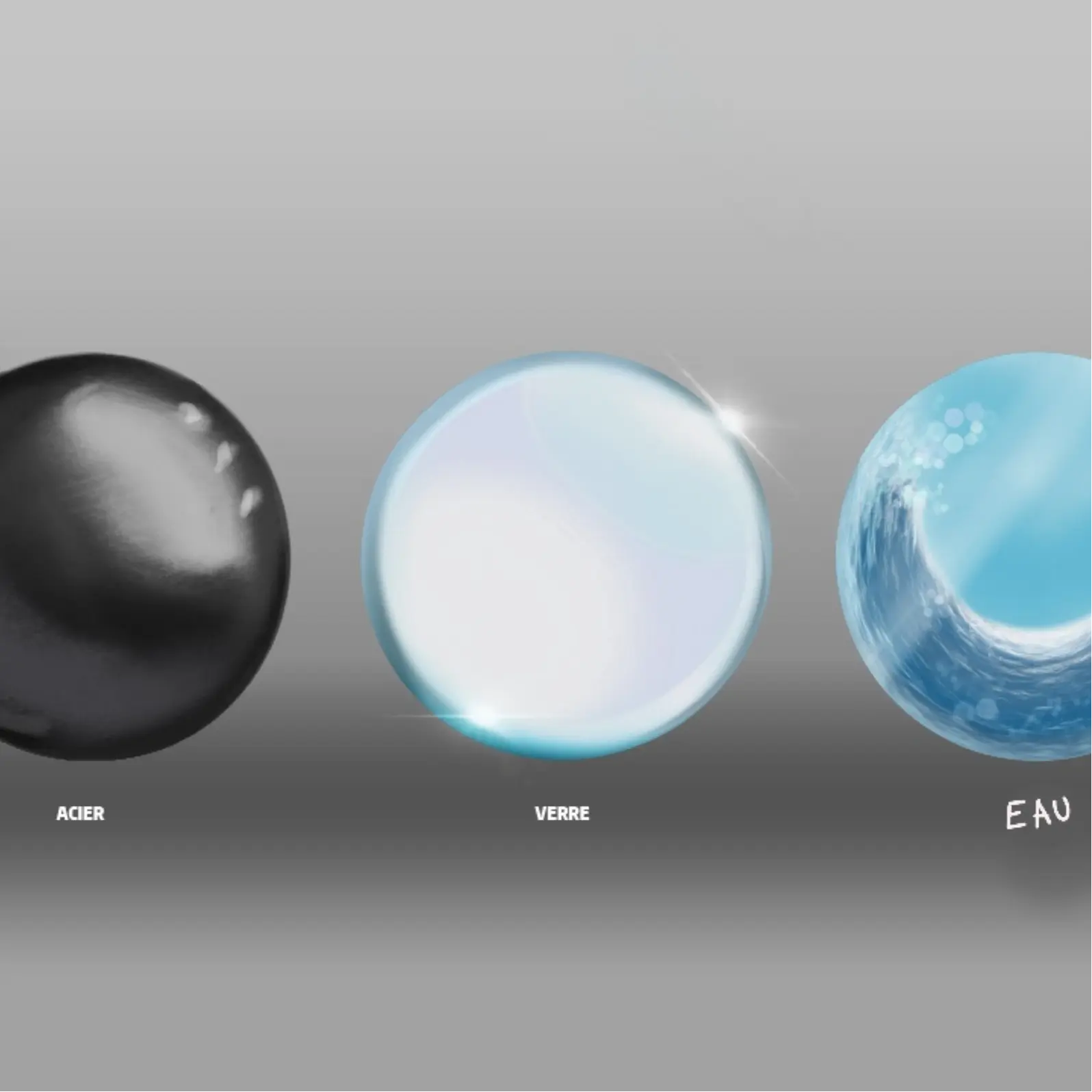
Who is this course for?
Average site rating 4.7/5
"Honestly great, but the explanations on the brushes are a bit quick for my taste."
grego23 On 12/07/2024"Excellent course! The exercises really helped me understand the concepts. I'm looking forward to the next part."
jadeart On 14/05/2024"The videos are very well made"
theoart On 03/05/2024"The tutorials are clear, but some sections are a bit fast for my taste."
cosmo88 On 08/04/2024Continue with these courses
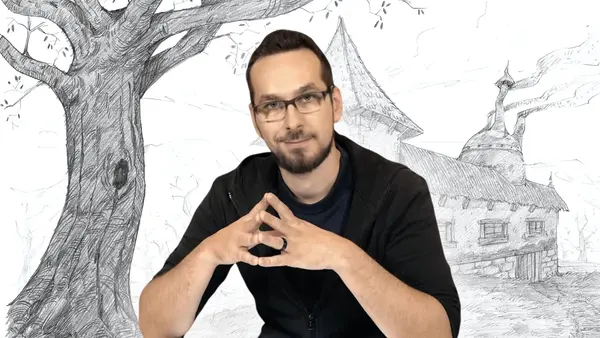
DRAWING BASICS
Drawing Fundamentals guide you to adopt the right habits from the start. Understand how drawing works, integrate its principles, and progress at your own pace with comprehensive exercises. Develop the artist within you right now!
15 hours of courses
50 course materials
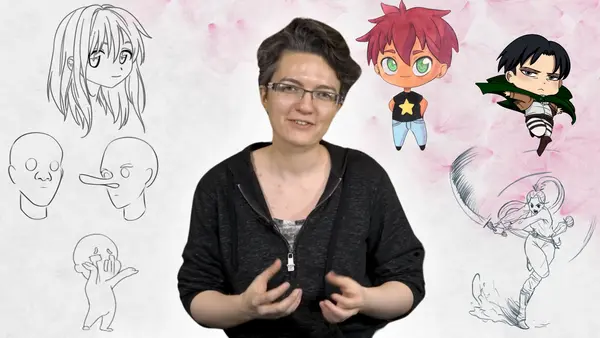
MANGA
Learn the codes of Manga style to create your own characters and bring them to life. Alternate between theory and practice to progress at your own pace and move from the rank of Genin to Hokage!
11 hours of courses
20 course materials
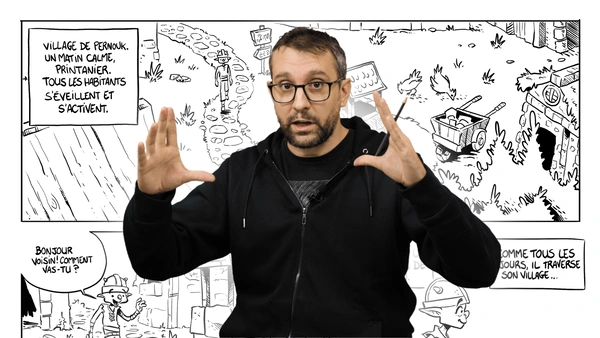
COMIC BOOK
With this course, you will discover the different aspects necessary to create your own comics. Bring your characters to life, work on your settings, write your scripts and become the next Hergé!
12 hours of courses
20 course materials
Questions before you start
Yes. The course starts from scratch and guides you step by step.
No: the materials are presented at the start of the course, and you can begin with what you already have.
Yes, if you wish: post your exercises on the forum and a teacher from the team will send you personalized feedback.
It is included in the Dessindigo subscription, which gives access to all 447 courses on the site.
Yes, with no commitment: you cancel by following the procedure shown in your account.
You are refunded if you are not satisfied within 14 days of signing up: simply write to us at support@dessindigo.com.
Ready to bring your ideas to life?
Join the students who draw with Dessindigo, to improve or just for fun. Instant access · No commitment · 14-day money-back guarantee.
Access to +400 courses