
Cours de dessin : DÉBUTER AVEC PROCREATE
Découvrez les multiples fonctionnalités de Procreate et réalisez vos premières illustrations numériques. Maîtrisez les calques, les brosses et autres outils pour dessiner avec facilité.
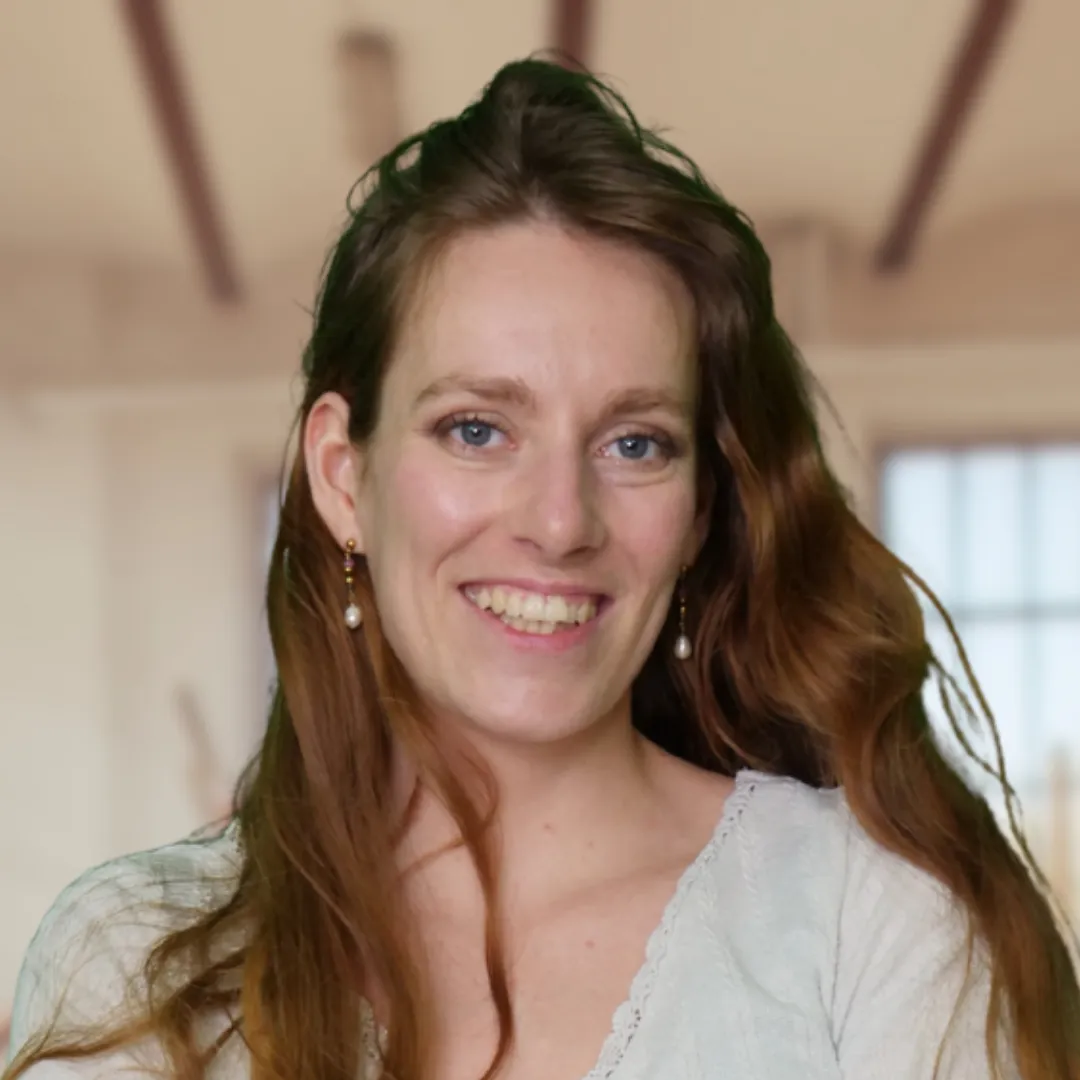
VOTRE PROF : POUTEAU CHLOÉ
Chloé Pouteau est une illustratrice et concept-artist passionnée par la narration visuelle. Sur Dessindigo, elle partage sa passion dans des formations ludiques et inspirantes : de la gouache au numérique en passant par des univers fantaisies, Chloé saura vous guider pas à pas pour développer votre créativité.
Comment ça marche
Regardez
Suivez les vidéos à votre rythme, où et quand vous voulez.
Pratiquez
Faites les exercices à votre rythme, avec votre propre matériel.
Postez optionnel
Envie d'un avis ? Partagez votre travail sur le forum, quand vous le souhaitez.
Avancez
Un prof de l'équipe peut vous aider à progresser, si c'est ce que vous cherchez. Sinon, dessinez simplement pour le plaisir.
Le programme complet
+3 h de cours réparties en 5 chapitres, 17 vidéos et exercices.
 1
1

Prise en main & ergonomie de Procreate
39 minVous découvrez l’ergonomie générale de l’app, l’interface d’accueil, l’organisation des projets et les principaux menus d’actions. Vous apprenez où trouver les outils importants, comment naviguer et paramétrer un espace de travail confortable. L’objectif : ne plus être perdu devant l’écran et savoir exactement où cliquer pour commencer à dessiner.
 2
2
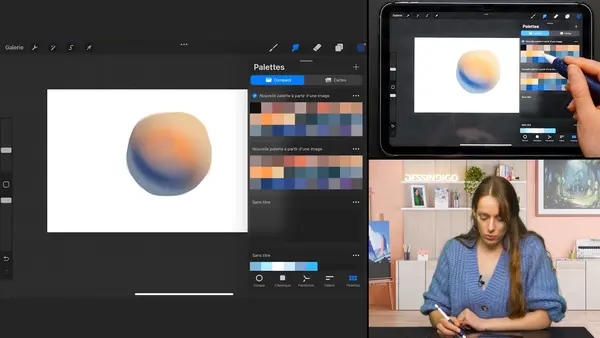
Outils de dessin essentiels
1hDans ce module, vous entrez dans le cœur de la pratique avec les outils de dessin indispensables. Vous apprenez à utiliser les brushs, la gomme et le doigt pour tracer, estomper et corriger, tout en découvrant les premières notions de calques et de couleur. Une vidéo de mise en pratique vient relier tous ces outils entre eux pour vous permettre de réaliser vos premiers croquis numériques dans Procreate.
 3
3
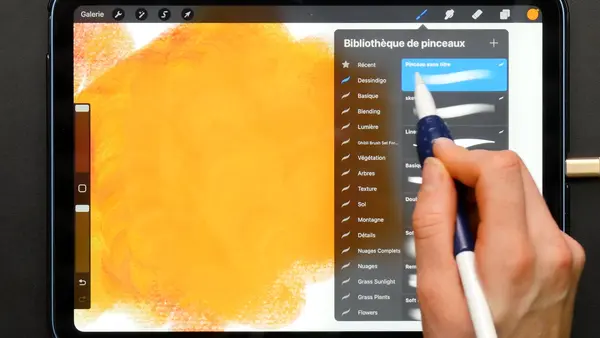
Pinceaux & personnalisation
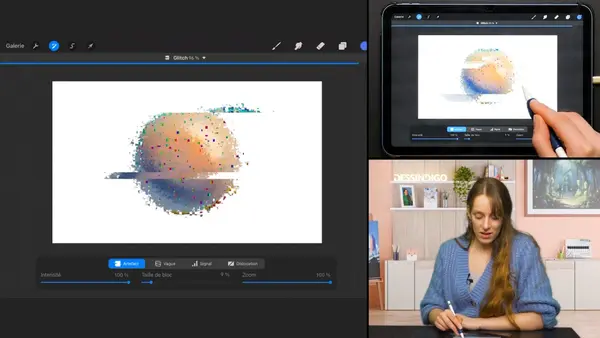
20 minCe module est dédié aux pinceaux et à leur personnalisation. Vous commencez par un atelier pinceaux pour comprendre comment ils réagissent (taille, opacité, pression, texture), puis vous apprenez à créer votre propre brush pas à pas. Découvrez comment adapter un pinceau à votre trait, votre style et vos besoins. C’est ici que Procreate commence vraiment à devenir un terrain de jeu sur mesure plutôt qu’un simple ensemble d’outils “par défaut”.
 4
4
Calques, modes de fusion & ajustements

41 minDans ce module, vous découvrez comment structurer et affiner vos illustrations grâce aux calques, aux modes de fusion et aux ajustements. Apprenez à organiser vos calques, à jouer avec les différents modes pour enrichir la lumière et les ombres, puis à utiliser les ajustements (couleurs, contrastes, flous…) et les outils de sélection pour corriger précisément certaines zones. Cela vous permettra de passer de simples dessins à des images beaucoup plus abouties, sans tout recommencer à chaque modification.
 5
5
Animation & illustrations finales
45 minCe dernier module met en pratique l’ensemble des notions vues dans la formation. Réalisez de premières animations simples puis suivez deux illustrations finales guidées, étape par étape, depuis le croquis jusqu’aux derniers réglages. C’est l’occasion de connecter tous les outils entre eux (brushs, calques, couleurs, ajustements) à travers une réalisation complète.
Ce que vous allez apprendre dans ce cours
Prenez en main Procreate : ergonomie, interface d’accueil, menus d’actions, navigation et gestes indispensables pour dessiner confortablement sur iPad
Découvrez les outils fondamentaux : pinceaux, gomme, doigt, couleurs, calques et modes de fusion, et pratiquez avec des exercices simples
Explorez les fonctions plus avancées : atelier pinceaux, création de votre propre brush, ajustements, outils de sélection et animation de base
Corrigé par ton prof
Si vous le souhaitez, un prof regarde vos dessins et répond à vos questions sur le forum.
À qui s'adresse ce cours ?
Continuez avec ces cours
BD
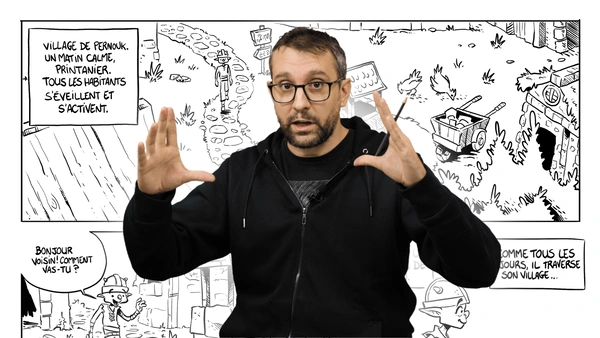
Avec cette formation, vous découvrirez les différents aspects nécessaires pour créer vos propres BD. Donnez vie à vos personnages, travaillez vos décors, rédigez vos scénarios et devenez le prochain Hergé !
12h de formation
20 supports de cours
LES BASES DU DESSIN
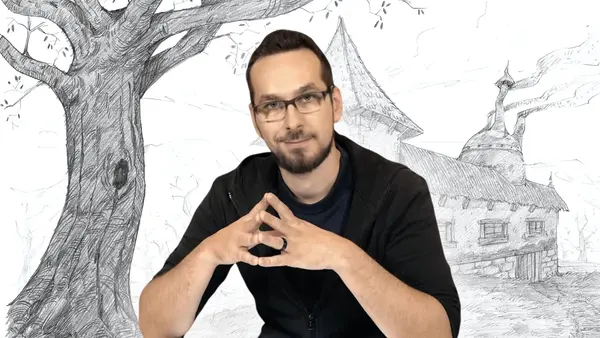
Les bases du dessin vous guide pour adopter les bons réflexes dès le début. Comprenez le fonctionnement du dessin, intégrez ses principes et progressez à votre rythme avec des exercices complets. Développez l'artiste en vous dès maintenant !
15h de formation
50 supports de cours
DIGITAL PAINTING
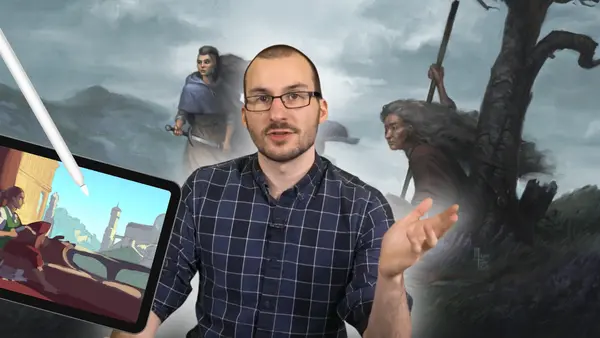
Cours de Digital Painting : Plongez pas à pas dans l’univers infini du dessin numérique. De l’accompagnement pour choisir et maîtriser votre matériel, jusqu’à la réalisation d’une illustration complète, vous serez guidé(e) de A à Z pour découvrir et progresser dans cet art 2.0.
10h de cours
20 supports de cours
Questions avant de vous lancer
Oui. Le cours part de zéro et vous guide pas à pas.
Non : le matériel est présenté au début du cours, et vous pouvez commencer avec ce que vous avez déjà.
Oui, si vous le souhaitez : postez vos exercices sur le forum, un prof de l'équipe vous envoie un retour personnalisé.
Il est inclus dans l'abonnement Dessindigo, qui donne accès aux 546 cours du site.
Oui, sans engagement : vous résiliez en suivant la procédure visible dans votre compte.
Vous êtes remboursé si vous n'êtes pas satisfait dans les 14 jours suivant votre inscription : il suffit de nous écrire à support@dessindigo.com.
Prêt à donner vie à vos idées ?
Rejoignez les élèves qui dessinent avec Dessindigo, pour progresser ou juste pour le plaisir. Accès immédiat · Sans engagement · 14 jours satisfait ou remboursé.
Accès à +500 cours